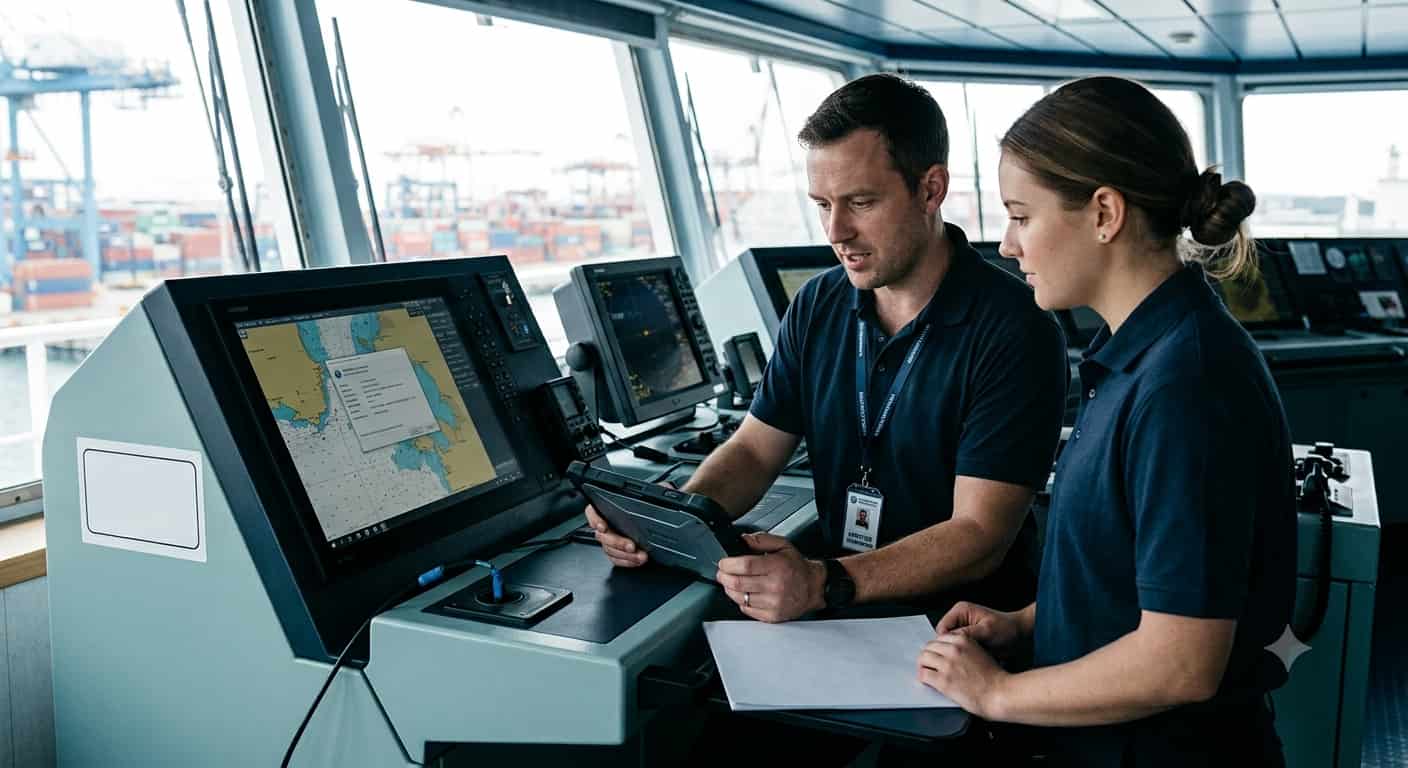
Ships today run on software as much as they run on steel. Your ECDIS, radar, GMDSS radios, AIS, VDR- all of it depends on software that needs updating from time to time. Until now, there was no single, clear rulebook for how that updating should be done. Different manufacturers had different processes. Different service companies had different standards. Some ships kept good records, others didn’t.
IMO has now fixed that gap. On 6 July 2026, it issued MSC.1/Circ.1704 — Guidelines for Software Maintenance of Shipboard Computer-Based Navigation and Communication Equipment and Systems. It was approved at the Maritime Safety Committee’s 111th session in May 2026, based on work done by the NCSR Sub-Committee the year before.
This post breaks down what the guideline actually says, in plain language, and what it means for anyone running or servicing a fleet.
What Equipment Does This Cover?
The guideline applies to computer-based equipment covered under SOLAS Chapter IV (radiocommunications) and Chapter V (safety of navigation). In simple terms, anything on the bridge or in the radio room that runs software and helps with navigation or communication.
It also allows for voluntary use on other shipboard systems that aren’t officially covered but still run on software, things like power management systems, fire and flood detection, dynamic positioning, cargo transfer systems, and steering control. IMO lists these separately in Appendix 3 of the guideline. While using the guideline for these systems isn’t mandatory, it’s a sensible option for any company that wants a single, consistent process across the ship rather than a different approach for each system.
Five Types of Software Maintenance
Not every software job is the same, and the guideline gives five categories to describe why maintenance is being done:
- Bug fix – fixing an error or improving how the system performs.
- Feature release – adding new functionality that wasn’t there before.
- Compliance maintenance – updating software so it still meets current regulations.
- Security update – patching the system against cyber threats.
- Obsolescence maintenance – dealing with software or hardware the manufacturer no longer supports.
Knowing which category a job falls under matters because it tells you how urgent it is. A security update or a critical bug fix can’t wait for the next scheduled visit. A feature release usually can.
On top of these categories, the manufacturer can also flag an update as a critical update — meaning it’s needed to restore or maintain proper performance of the equipment. When that happens, the guideline says the update should be carried out as soon as practicable, and the manufacturer, service provider, and Company all need to work together to keep the ship’s downtime to a minimum.
Three Ways Maintenance Can Be Done
The guideline recognizes that software maintenance doesn’t always mean a technician standing on the bridge. It can happen in three ways:
- On board – a technician comes to the ship and does the work in person, usually during a port call.
- Onshore – the equipment is sent off the ship to the service provider’s workshop.
- Remote – the technician does the work from land, connecting to the ship’s system over a communication link, with the crew’s involvement at every step.
Each method has its own set of rules in the guideline, and remote maintenance in particular comes with extra requirements, which we’ll get to below.
Who’s Responsible for What
The guideline names four parties and spells out what each one has to do:
The Manufacturer — builds the equipment, and is responsible for training service technicians, issuing update information, providing maintenance manuals, and making sure equipment can display its current software version. Where it’s technically possible, equipment should also support a rollback to the previous version if an update goes wrong, and be able to produce an on-the-spot diagnostic report once maintenance is finished, confirming the software version installed and that everything is working as it should.
The Contracted Service Provider — the company hired to carry out the maintenance. This could be the manufacturer itself or an independent service company. They’re responsible for having a proper quality system, planning each job properly, and making sure only certified technicians are sent to do the work.
The Certified Service Technician — the actual person doing the job on the ground. They must be trained and certified by the manufacturer, and they’re the one who signs the electronic service report at the end of each job.
The Company — this is the shipowner, manager, or whoever is responsible for running the ship. The Company has to make sure maintenance is planned properly, records are kept, crew is briefed on what’s changed, and the whole process follows proper health, safety, and environmental procedures.
Certification Now Has Real Structure
This is one of the more concrete parts of the guideline. Technicians can no longer just be assumed competent; they need an actual certificate from the manufacturer.
The training has to cover the technical side of the equipment, but also cybersecurity: things like checking security settings, spotting signs that a system has been compromised, knowing how to recover data if something goes wrong, and reporting security incidents back to the manufacturer.
Once training is complete, the manufacturer issues a certificate that lists the technician’s name, their employer, which equipment they’re certified on, and which maintenance methods (onboard, onshore, remote) they’re qualified to use. That certificate is valid for a maximum of five years, becomes invalid the moment the technician changes employer, and can be suspended if the manufacturer finds a problem with their work until it’s corrected.
For a shipowner, this means it’s now completely fair to ask a service provider for proof of certification before a technician steps on board — not just take their word for it.
Every Job Needs a Proper Paper Trail
Two documents now sit at the center of this whole process.
The electronic service report is completed and signed by the technician at the end of every job, and countersigned by someone from the Company. It records details about the ship, the technician and their certificate number, exactly which equipment was worked on, what category of maintenance it was, whether malware checks were done on any USB drives or laptops used, a description of the work, and confirmation demonstrated in front of the ship’s master or crew that everything works as expected afterward.
The onboard software log is where all of this history lives over time. It’s kept on the ship, updated after every maintenance event, and links back to the service reports behind each entry. Records need to be kept for a minimum of five years.
In practice, this means a superintendent preparing for drydock, or an inspector doing a PSC check, can see exactly what software is running on every piece of navigation and communication equipment, who last touched it, and when instead of relying on memory or scattered paperwork.
Cybersecurity Is Built Into Every Visit
Every time a technician connects a laptop or a USB drive to a ship’s system, there’s a cyber risk, and the guideline treats it that way. Any removable media used during a job has to be checked for malware first, and that check has to be documented in the service report.
Equipment that isn’t part of the ship’s protected network shouldn’t be plugged straight into it. It needs to go through a firewall or a proper gateway device instead. Technicians also need documented training in general cybersecurity awareness things like phishing, password security, and social engineering, not just the technical side of the equipment they service.
Remote Maintenance Comes With Extra Rules
Because remote maintenance means connecting a ship’s system to an outside network, it gets its own detailed set of requirements:
- The equipment itself needs multi-factor authentication for remote users, a way to handle interrupted connections safely, and the ability to end a session cleanly if needed.
- Remote work can only be done on equipment that sits within the ship’s protected network, never on equipment sitting outside it.
- Nobody can start remote work without permission from the Company, and separately, permission from the ship’s master before every single session.
- A time slot has to be agreed in advance for when the system will be connected, and there has to be a clear way for the crew to end the connection if something goes wrong.
This isn’t about making remote maintenance harder to use; it’s about making sure it’s done with the same level of control as if a technician were standing there in person.
What Shipowners Should Be Doing Now
For a Company, the guideline boils down to a few practical habits: plan software maintenance ahead of time instead of reacting to problems, only use technicians who can show a valid certificate, keep a proper onboard software log, make sure removable media gets checked before it touches the ship’s systems, and brief the crew whenever an update changes how something works.
None of this needs to be complicated, but it does need to be consistent, which is exactly what the guideline is trying to achieve across the industry.
How We Fit In
We have been servicing navigation and communication equipment for ship management companies, owners, and superintendents for a long time: radar, ECDIS, GMDSS, AIS, VDR, gyro compasses, and more, working directly with manufacturers where that relationship applies.
What MSC.1/Circ.1704 asks for is close to how we already operate: technicians matched to the specific equipment and manufacturer they’re trained on, proper documentation for every job, and cybersecurity treated as a normal part of the visit rather than an afterthought. As this guideline becomes the standard across the industry, it’s a good opportunity for any owner to check that their current service arrangements, whoever they’re with, actually hold up against it.
If you’d like help reviewing your fleet’s software maintenance records, or want your next service visit to be properly documented from the start, get in touch with us.
In Short
MSC.1/Circ.1704 doesn’t reinvent shipboard maintenance; it puts a clear, common structure around something the industry has been doing inconsistently for years. Certified technicians, proper planning, real cybersecurity checks, and records that actually mean something. For shipowners, getting ahead of it now is a lot easier than catching up later.